cellify
A user-friendly CLI tool for DFT researchers to generate supercells and prepare inputs.
cellify




A user-friendly command-line interface (CLI) tool designed for DFT researchers to quickly generate supercells and prepare calculation-ready inputs (VASP, Quantum ESPRESSO, etc.) from unit cells.
Features
- Format-Free Multi-Format Conversion: Supports VASP (
POSCAR,CONTCAR), Quantum ESPRESSO (.in,.qe), CIF (.cif), XSF (.xsf), XYZ (.xyz), and FHI-aims (geometry.in). - Flexible Cell Expansion (Supercell Generation):
- Diagonal scaling (e.g.,
2 2 2). - Arbitrary $3 \times 3$ transformation matrices (e.g., for orthogonalization).
- Minimum periodic image distance scaling (calculates the smallest cell to keep periodic images $\ge d\ \text{Å}$ apart).
- Diagonal scaling (e.g.,
- Conventional Cell Auto-Conversion: Automatically transforms loaded primitive structures into their standard conventional representation using
--conventional. - Easy Defect & Doping Modeling: Supports atomic substitutions (absolute index or percentage) and vacancy creation.
- Surface Slab Generation: Cuts surface slabs by specifying Miller indices $(h, k, l)$, slab thickness, and vacuum thickness.
- Calculation-Ready Input Generation: Automatically updates coordinate-dependent variables (e.g.,
nat,ntypin Quantum ESPRESSO) while preserving all original calculation parameters, namelists, and comments.
Installation
1. Install via PyPI
To install the latest stable release of cellify directly using pip:
pip install cellify
2. Local Installation (Development)
To install from the source code for development or customization:
git clone https://github.com/ToAmano/cellify.git
cd cellify
pip install -e .

# Or install with test dependencies
pip install -e ".[test]"
CLI Usage
cellify -i <input_file> -o <output_file> [options]
Arguments List
-i,--input: Input structure file path (Required).-o,--output: Output structure file path (Default:<input_base>_supercell.<ext>).-d,--dim: Diagonal scaling factors. 3 integers separated by spaces (e.g.,--dim 2 2 2).-m,--matrix: $3 \times 3$ transformation matrix. Specify row values separated by spaces, rows separated by slashes/commas/semicolons (e.g.,--matrix "1 -1 0 / 1 1 0 / 0 0 2").--min-dist: Automatically generate a supercell with minimum periodic image distance $\ge$ specified distance (in $\text{Å}$).--conventional: Automatically convert the input structure to its standard conventional representation before applying other operations.--substitute: Substitution rule. Format:element:target_element:index_or_percentage(e.g.,--substitute "Si:P:0"or--substitute "Si:Al:5%").--vacancy-index: Create a vacancy by removing an atom at a specific absolute index. Format:element:index(e.g.,--vacancy-index "Si:0",--vacancy-index "C:33"). (Alias:--vacancy).--vacancy-count: Create vacancies by randomly removing a specified number of atoms of a given element. Format:element:count(e.g.,--vacancy-count "O:2"_).--slab: Miller indices $h\ k\ l$ for surface slab model creation (e.g.,--slab 1 1 1).--thick: Slab thickness in $\text{Å}$ or layers (e.g.,--thick 15.0).--vacuum: Vacuum layer thickness in $\text{Å}$ (e.g.,--vacuum 15.0).--template: Template QE input file to preserve computational parameters and comments when generating a new input file from a QE output log file.--calc,--calculation: Override thecalculationparameter inside the QE input file namelist (e.g.,scf,nscf,bands).-w,--view: Quickly visualize the final generated structure in 3D using ASE (requires GUI environment). If_tkinteris missing, it automatically falls back to a 2D matplotlib projection plot.
[!NOTE] 3D Visualization (Tkinter /
_tkintererror) If you run with-w/--viewand seeModuleNotFoundError: No module named '_tkinter', your Python environment is missing Tcl/Tk support:
- macOS (Homebrew Python): Run
brew install python-tk(orpython-tk@3.9matching your python version).- macOS (Conda Python): Run
conda install -c conda-forge tk pythoninside your active environment.- Linux (Ubuntu/Debian): Run
sudo apt-get install python3-tk.If Tkinter is not available,
cellifyautomatically falls back to rendering a 2D projection window usingmatplotlib.
Examples
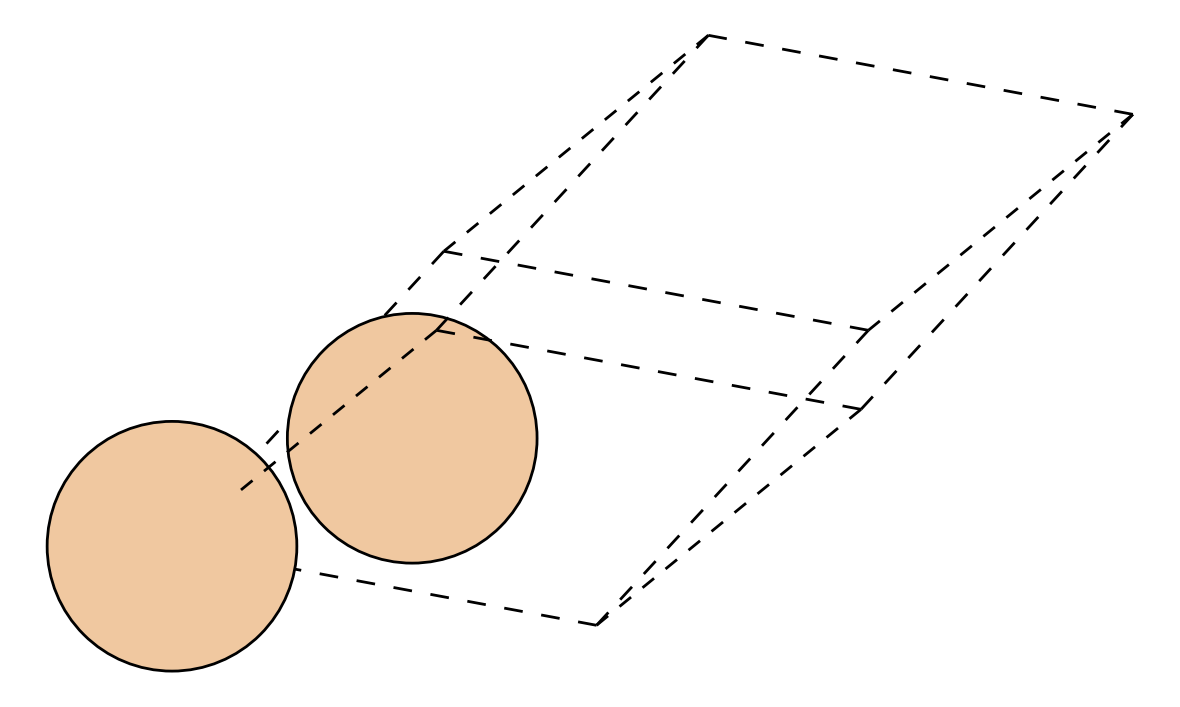
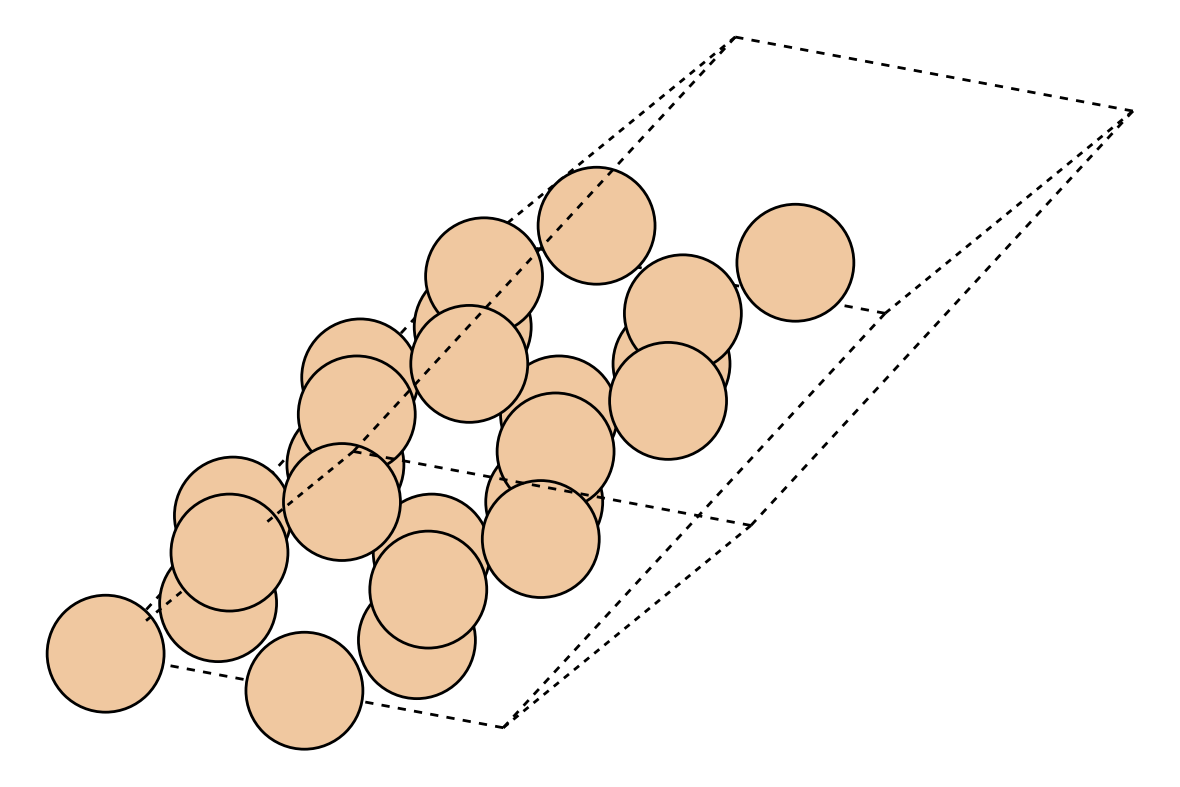
1. Create a simple $2 \times 2 \times 3$ supercell (VASP POSCAR)
cellify -i POSCAR -o POSCAR_223 --dim 2 2 3
 ➔
➔
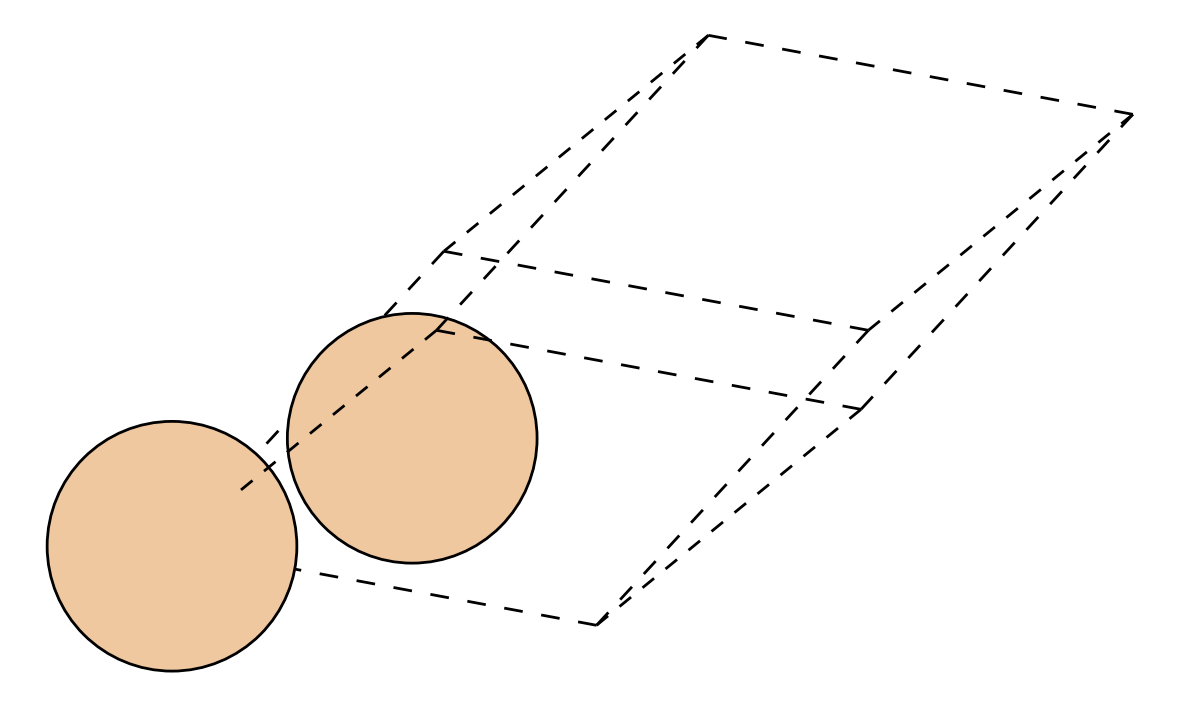
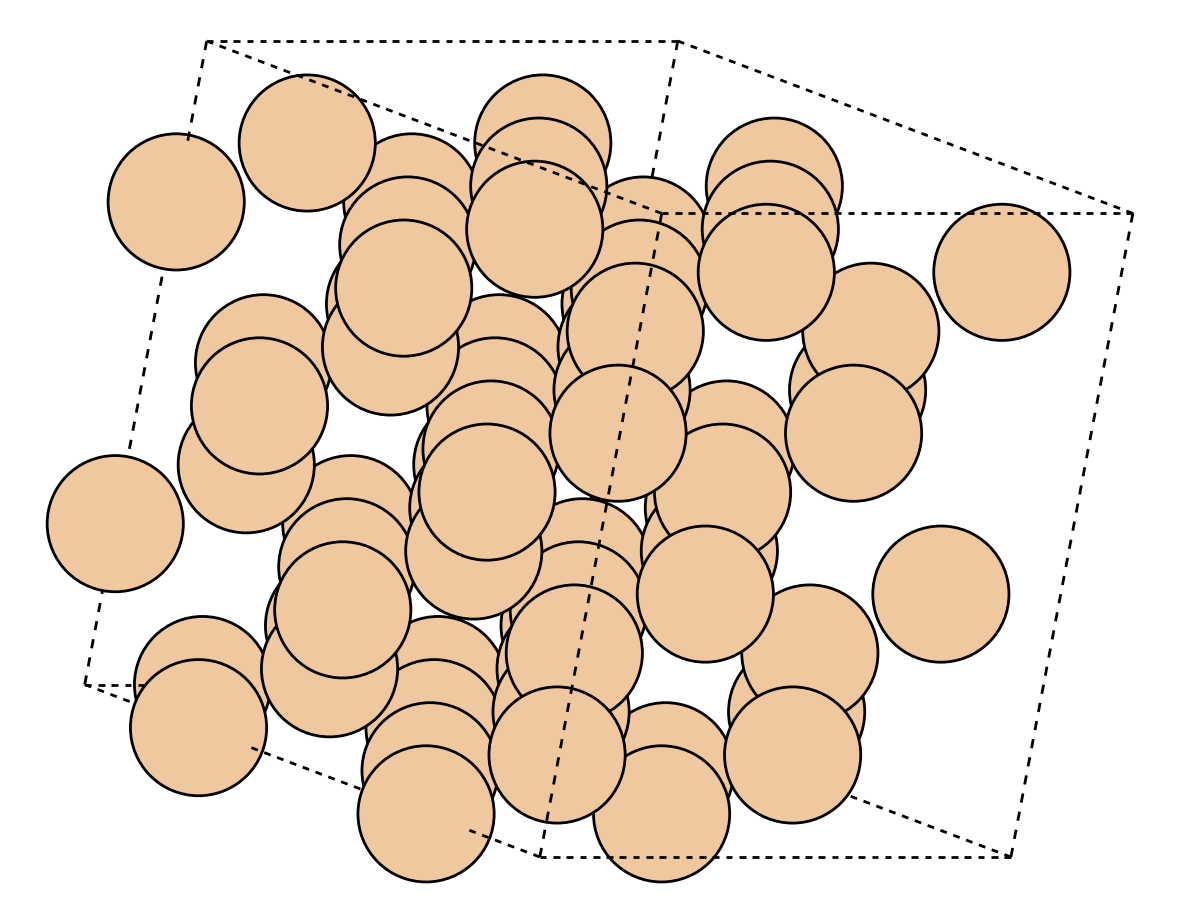
2. Convert primitive cell to conventional and scale to 2x2x2
cellify -i Si_primitive.POSCAR -o Si_conventional_222.POSCAR --conventional --dim 2 2 2
 ➔
➔
3. Orthogonalize a hexagonal cell (Quantum ESPRESSO input)
# Preserves &CONTROL and &SYSTEM settings, and updates nat, CELL_PARAMETERS, and ATOMIC_POSITIONS
cellify -i qe.in -o qe_ortho.in --matrix "1 -1 0 / 1 1 0 / 0 0 1"
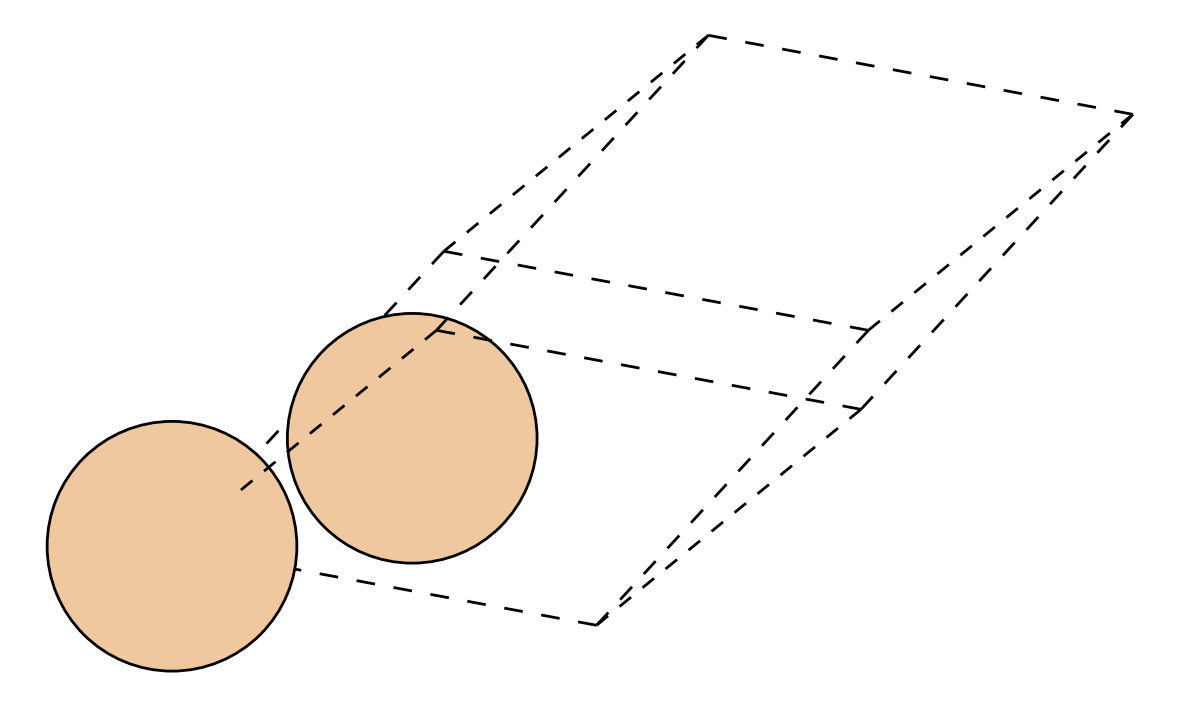 ➔
➔
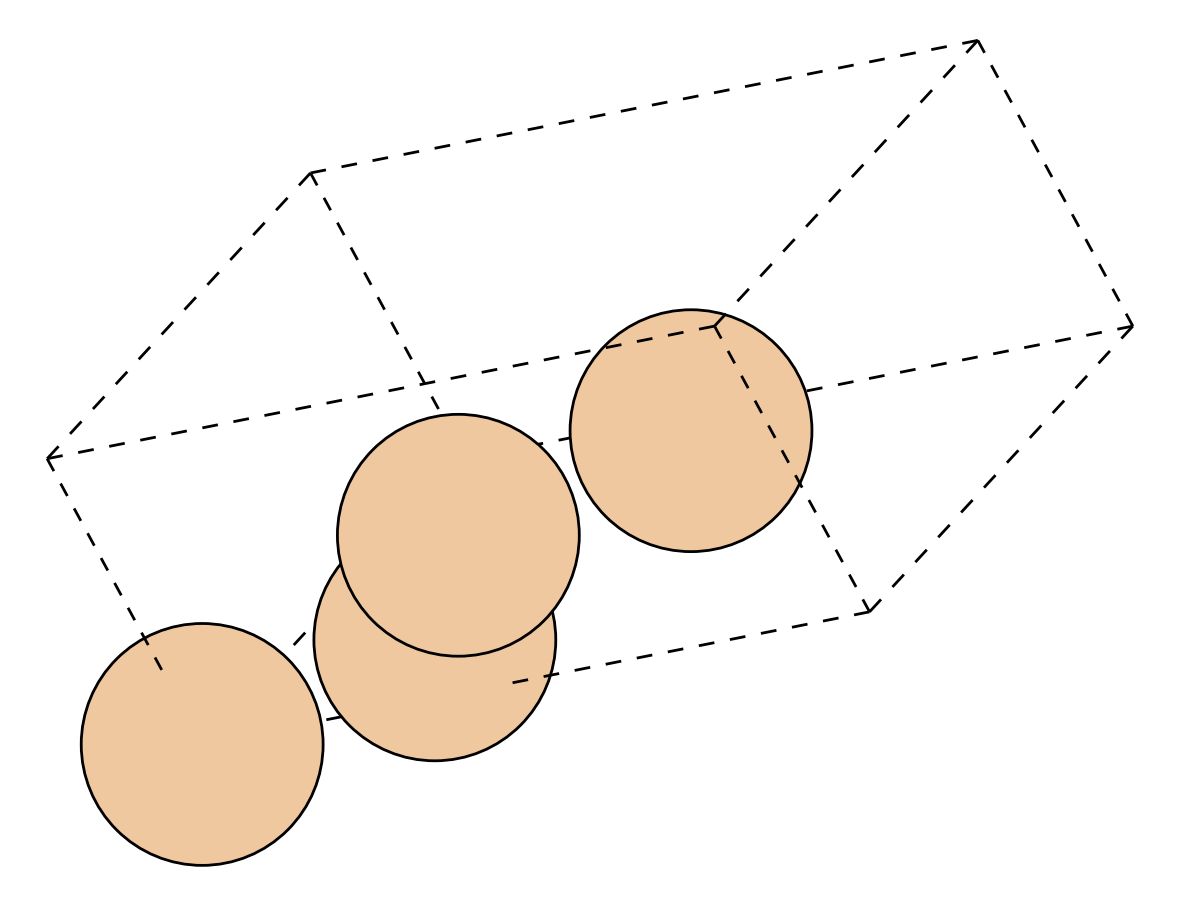
4. Generate the smallest supercell keeping defect distance $\ge 15\ \text{Å}$
cellify -i POSCAR -o POSCAR_defect_bulk --min-dist 15.0
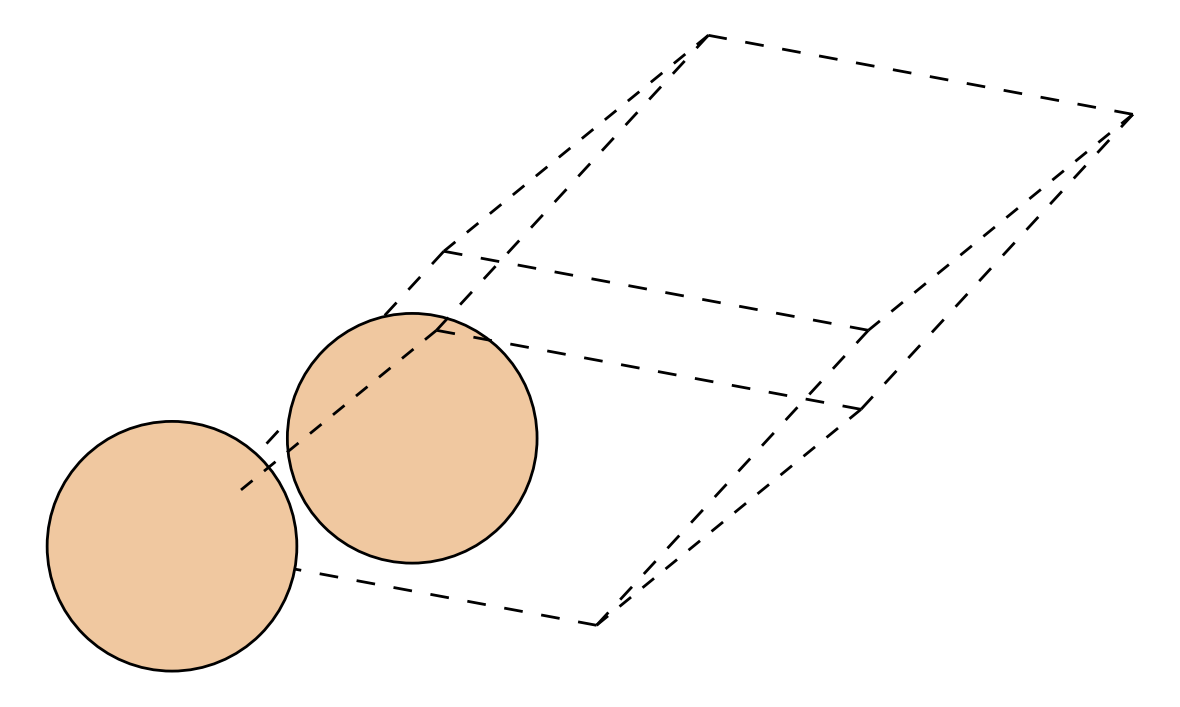 ➔
➔
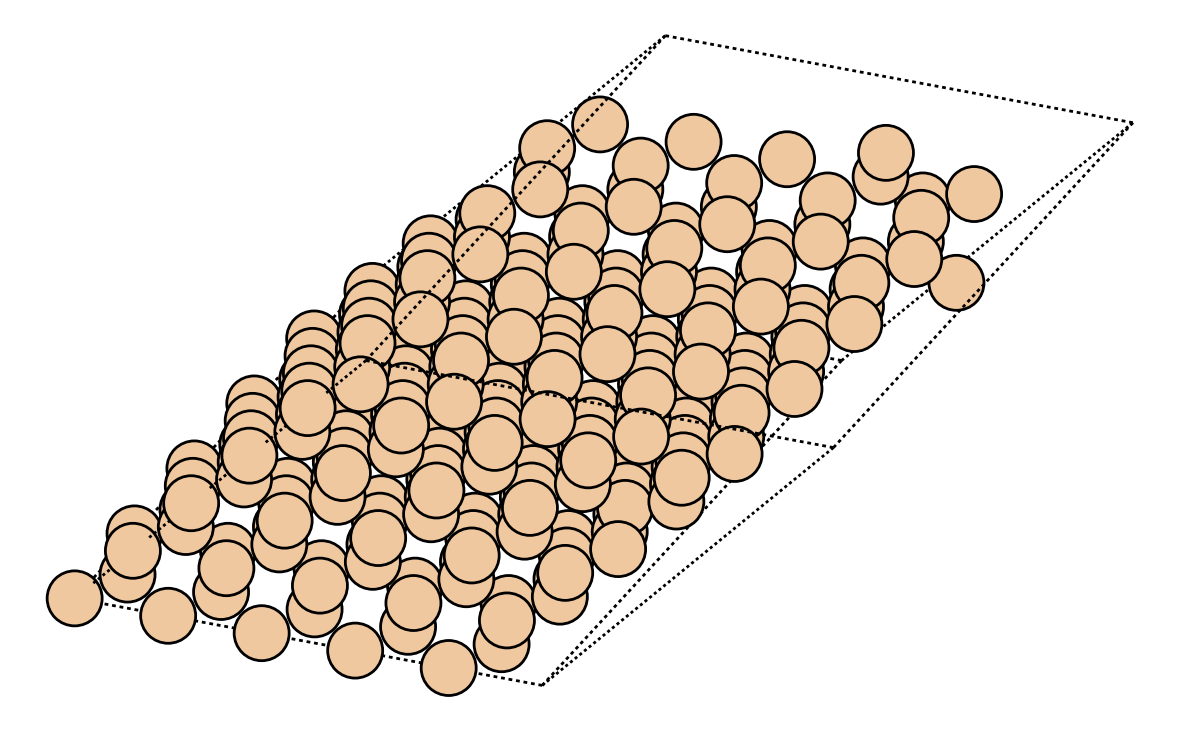
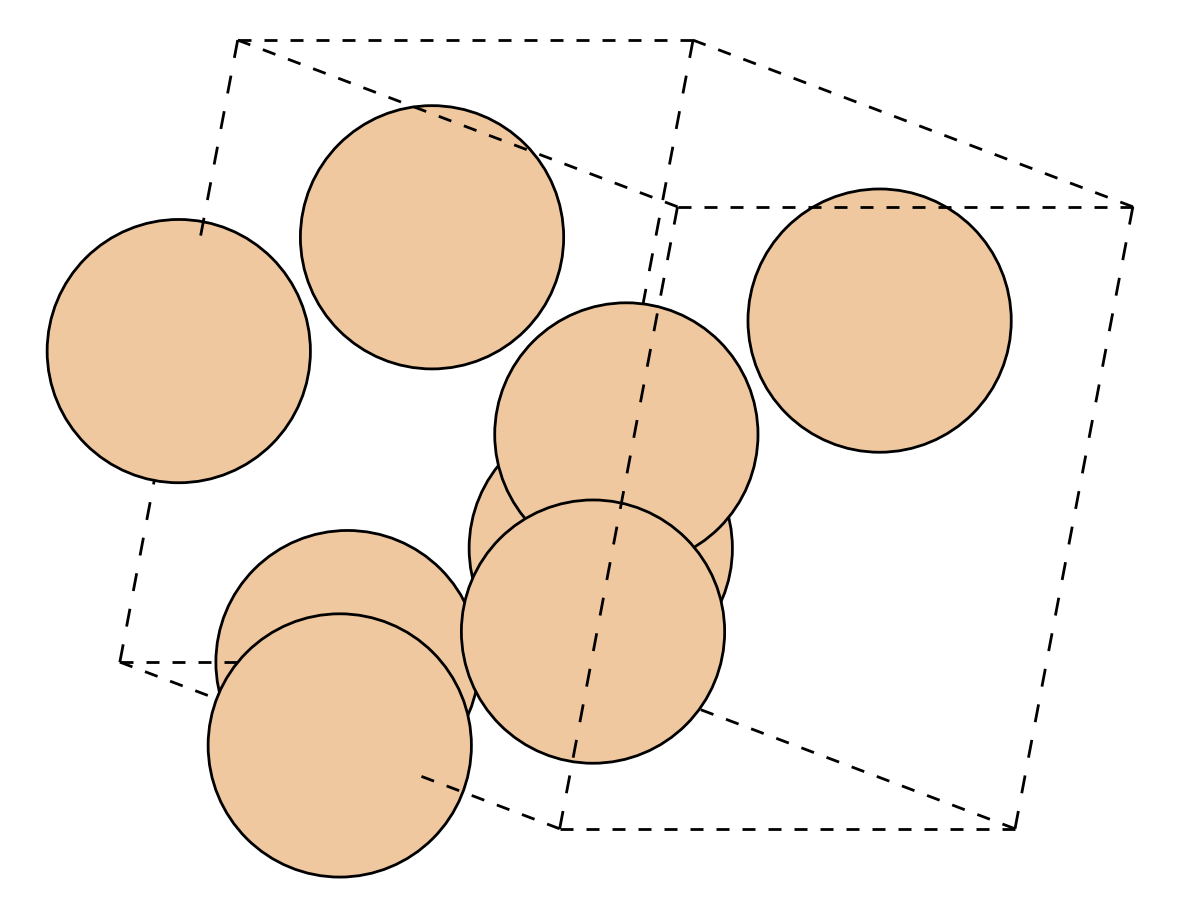
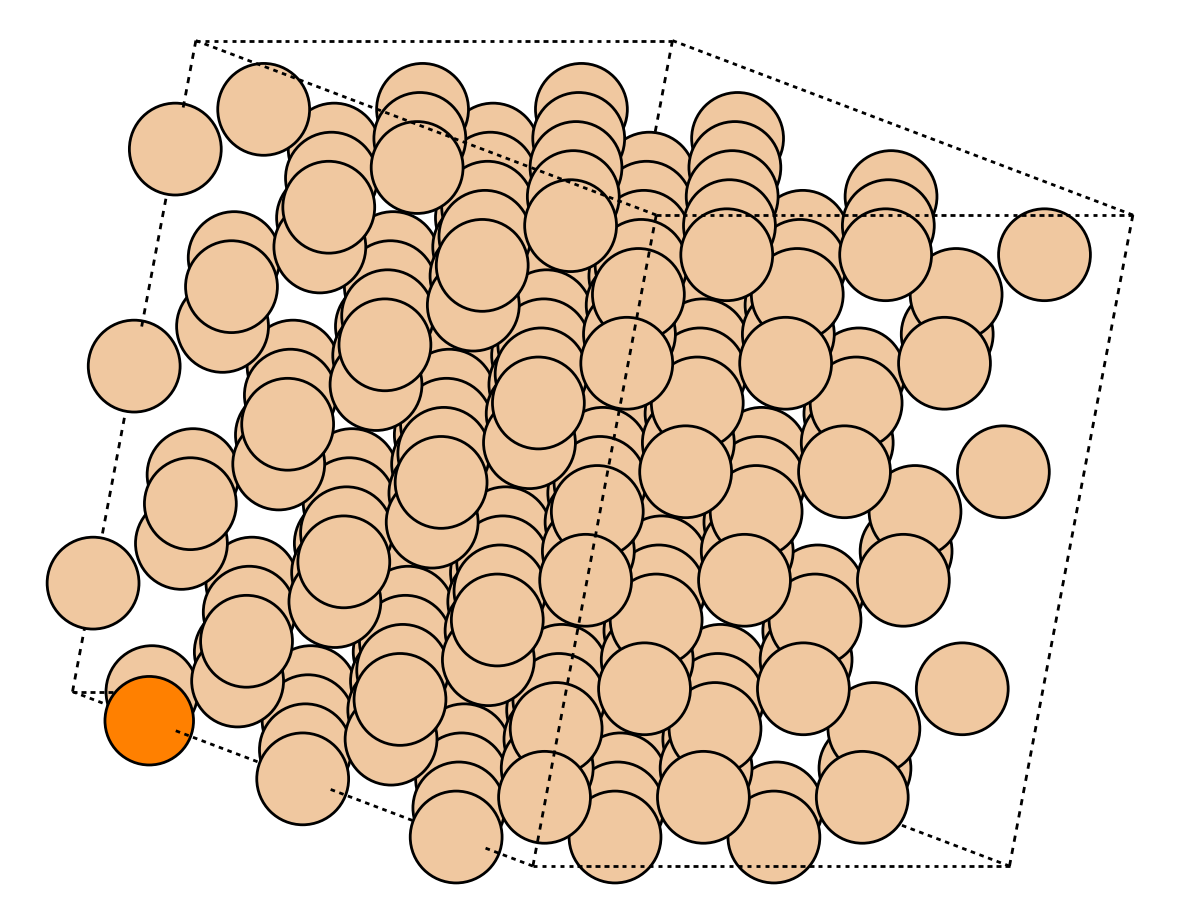
5. Create a silicon supercell and replace 1 atom with Phosphorus (n-type doped model)
cellify -i Si_unit.cif -o Si_doped.POSCAR --dim 3 3 3 --substitute "Si:P:0"
 ➔
➔
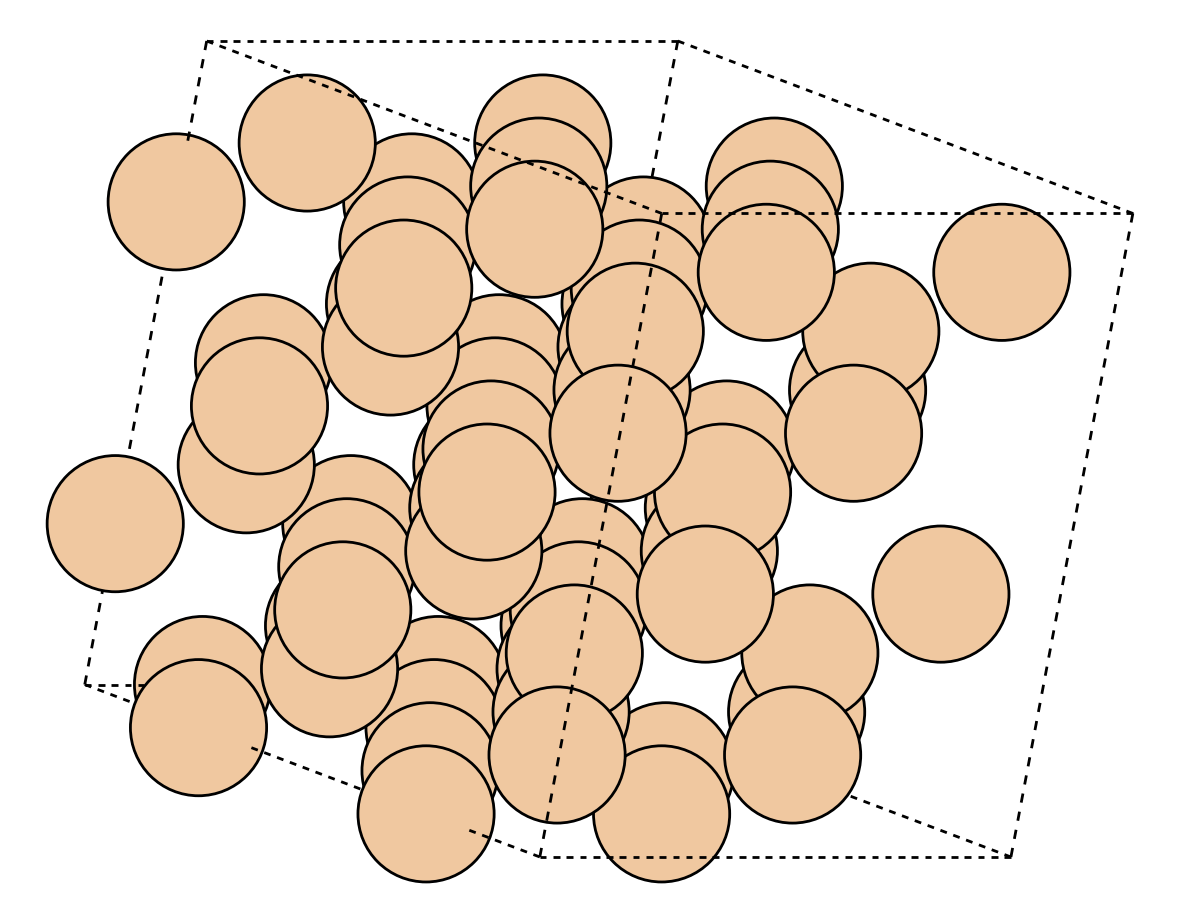
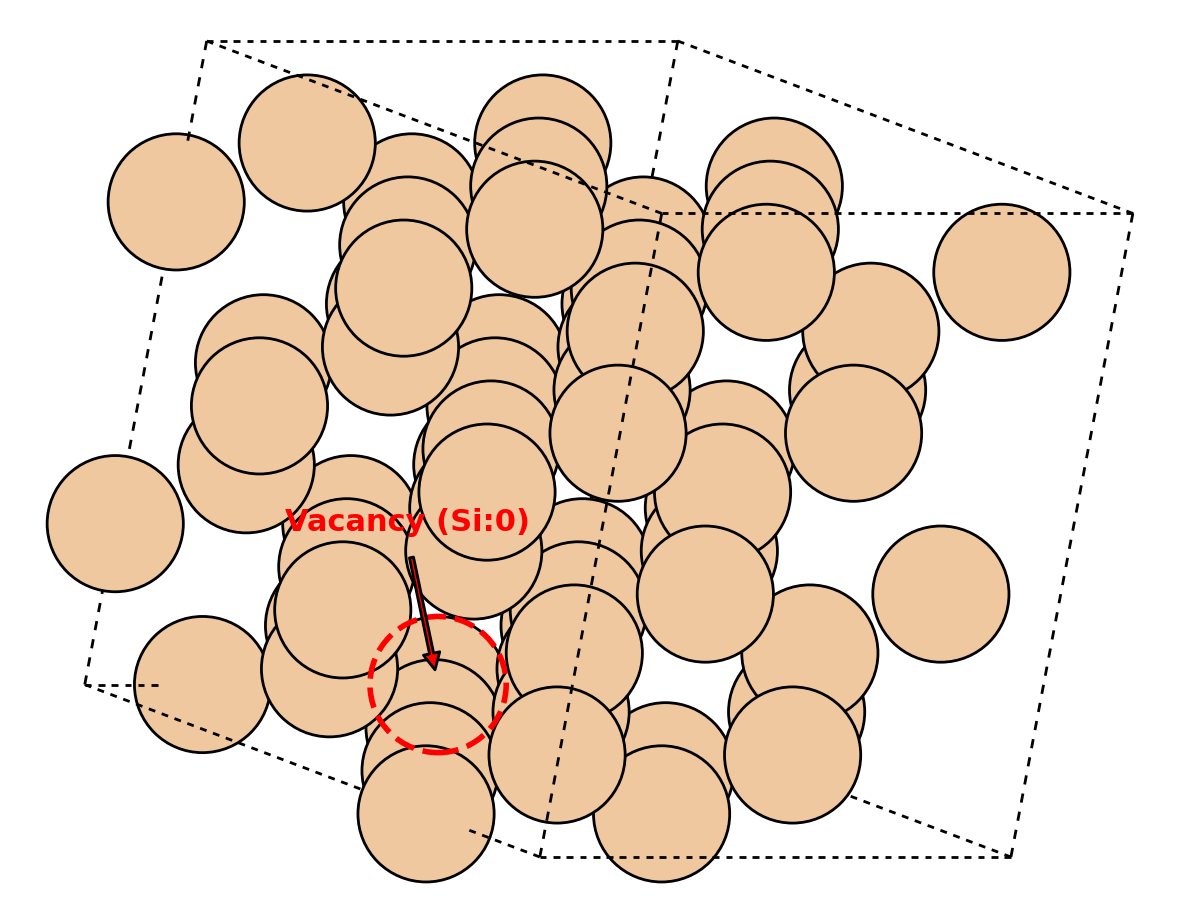
6. Introduce vacancies in a supercell (e.g., delete a specific Silicon atom, or randomly remove 2 Oxygen atoms)
# Deletes the Silicon atom at absolute index 0
cellify -i Si_supercell.POSCAR -o Si_vacancy.POSCAR --vacancy-index "Si:0"

# Randomly removes 2 Oxygen atoms from the structure
cellify -i STO_supercell.POSCAR -o STO_vacancies.POSCAR --vacancy-count "O:2"
 ➔
➔
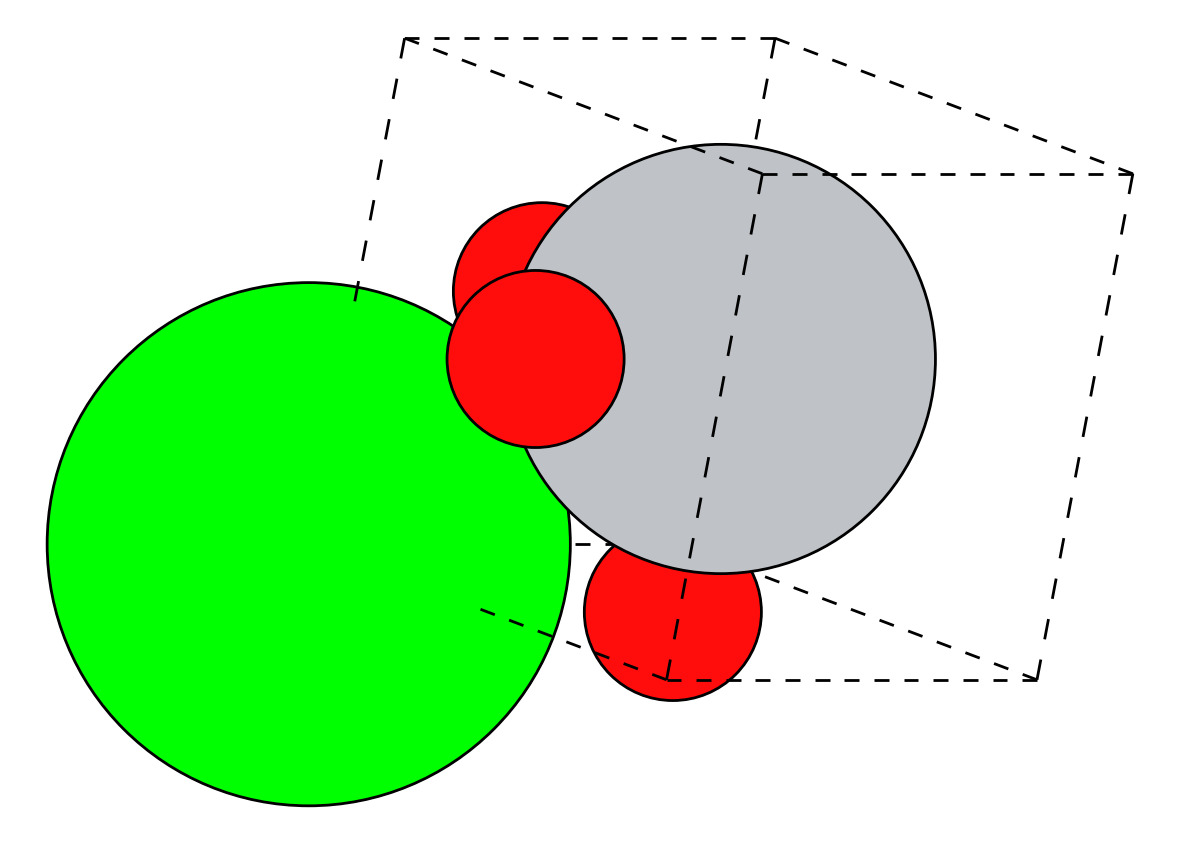
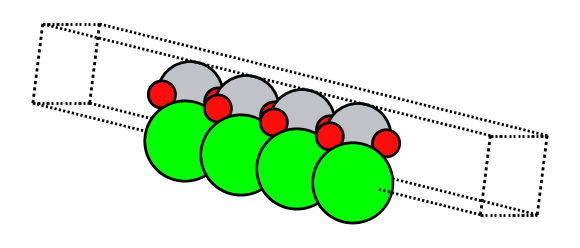
7. Generate a $\text{SrTiO}_3$ (100) surface slab model with $15\ \text{Å}$ vacuum
cellify -i STO_bulk.cif -o STO_100_slab.POSCAR --slab 1 0 0 --thick 12.0 --vacuum 15.0
 ➔
➔
8. Extract relaxed structure from a Quantum ESPRESSO output log and generate an SCF input
# Reads the final relaxed structure from vc-relax.out,
# merges it with the computational settings in template.in,
# and writes scf.in with calculation = 'scf' and updated atom/type counts.
cellify -i vc-relax.out --template template.in -o scf.in --calc scf
graph TD
    subgraph Inputs ["Input Files"]
        A["vc-relax.out (QE Output Log)<br/>➔ Contains relaxed atomic coordinates"]
        B["template.in (Input Template)<br/>➔ Contains K-points, parameters, etc."]
    end

    C["cellify -i vc-relax.out --template template.in -o scf.in --calc scf"]

    subgraph Output ["Output File"]
        D["scf.in (Merged SCF Input)<br/>✓ Merged parameters & coordinates<br/>✓ Updated 'nat', 'ntyp' & calculation='scf'"]
    end

    A --> C
    B --> C
    C --> D

    style C fill:#238636,color:#fff,stroke:#2ea44f,stroke-width:2px;
    style D fill:#1f6feb,color:#fff,stroke:#58a6ff,stroke-width:2px;
For more hands-on examples, check out the examples/ directory.
Directory Structure
cellify/
├── pyproject.toml
├── README.md
├── examples/         # Runnable use cases for VASP and Quantum ESPRESSO
└── src/
    └── cellify/
        ├── __init__.py
        ├── cli.py            # CLI parser & execution flow
        ├── core.py           # Core structure modeling logic
        ├── viewer.py         # WebGL 3D structure viewer
        └── adapters/         # Formats and parameter preservation
            ├── __init__.py
            ├── base.py       # Base adapter interface
            ├── espresso.py   # Quantum ESPRESSO adapter
            └── standard.py   # Standard pymatgen/ASE adapter